
When "Just Call the API" Stops Working
Honestly, I spent way too long thinking multi-agent workflows were overhyped. You have one LLM, you give it a good prompt, maybe some tools, done. Why would you need two models talking to each other?
Then we got a project at OZ where we needed to process incoming support tickets, research internal docs, draft a response, and then have another pass check for accuracy. One prompt chain? It collapsed by step three. The context was polluted, the model kept forgetting earlier instructions, and hallucinations crept in like nobody's business.
That's when I actually sat down with LangGraph and CrewAI. Two very different philosophies for the same problem — getting LLMs to coordinate.
CrewAI is fast until it isn't
CrewAI gives you this nice mental model. You define agents with roles — researcher, writer, reviewer — assign them tasks, and the framework handles the sequencing. I had a working prototype in maybe two hours. The role-based thinking makes sense to people who are not deep into graph theory or state machines. You say "this agent is a senior editor" and it just works.
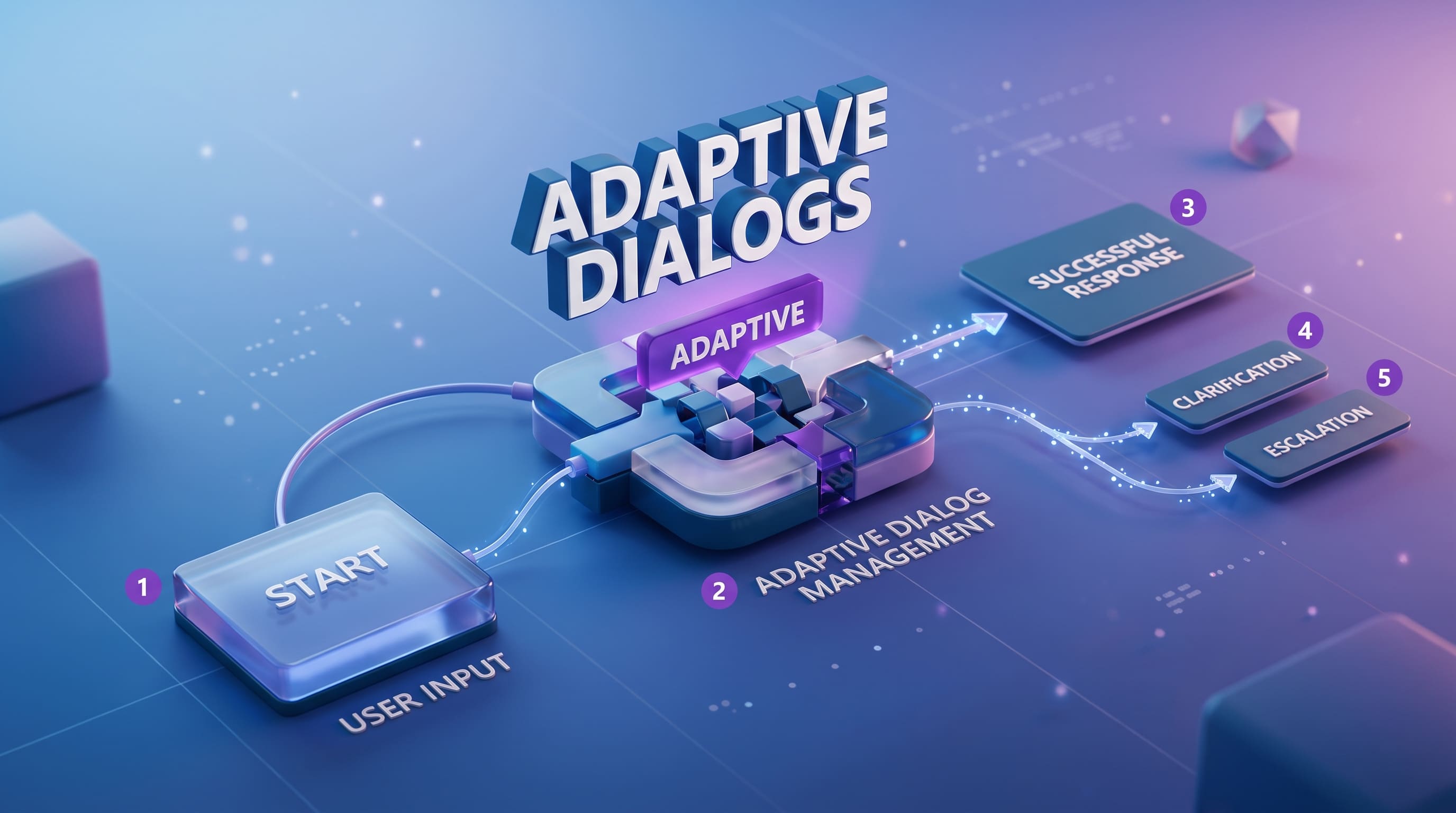
But here's the thing. The moment you need conditional logic — like "if the sentiment is negative, route to escalation agent, otherwise skip to summary" — CrewAI fights you. It's built for linear or hierarchical flows. The human_input=True flag is nice but it only works in terminal. Try putting that in a production web app and you'll see the problem immediately. We had to hack around it with custom callbacks and honestly the code looked terrible after.

The learning curve is almost nothing though. If you've written Python and used any LLM API, you can pick up CrewAI in an afternoon. For prototyping or demos, it is genuinely excellent. I used it for an internal demo last month and my PM was impressed in 30 minutes. That matters.
LangGraph gives you control you'll actually need
LangGraph is a different beast. Everything is a node in a graph. Edges define transitions. You can branch, loop, run nodes in parallel, pause execution with checkpoints, resume days later. The interrupt() function lets you pause anywhere, save state, come back with human input whenever you want. For production systems this is not optional — this is required.
The trade-off is obvious. It took our team almost a week to get comfortable with LangGraph's mental model. If you've used LangChain before, that helps. If you haven't, you're learning two things at once and it is not fun. The graph-based approach means you're thinking about state management, edge conditions, node outputs. It's closer to building a proper workflow engine than just "letting agents chat."
But I will tell you — once it clicks, it clicks hard. We built a document processing pipeline where LangGraph handles the routing and state, and individual nodes call different models depending on the task complexity. Cheaper model for extraction, expensive model for reasoning. You can't do that easily with CrewAI.
The real answer nobody wants to hear
You probably need both. I know, I know — nobody wants to maintain two frameworks. But the article I was reading made a good point and it matches what we ended up doing.
LangGraph as the orchestration layer — managing state, branching, retries, checkpoints.
CrewAI as the execution layer inside specific nodes where you need agents to collaborate quickly without you micromanaging every interaction.
Think of it like this. LangGraph is the project manager who keeps the timeline and decisions. CrewAI is the team that gets thrown into a room to brainstorm and come back with something. We used this exact pattern for a client project — LangGraph receives a query, routes it through classification, and when it hits the content generation step, a CrewAI crew takes over with a researcher and writer agent. LangGraph then handles review and delivery.

Cost-wise, and people never talk about this — multi-agent means multi-calls. Every agent interaction is an API call. Our token usage went up 4x compared to single-agent approaches. Budget accordingly. And test your agent interactions thoroughly because when Agent A misunderstands Agent B's output, debugging that is significantly worse than debugging a single prompt.
One more thing — don't start with multi-agent if single-agent with good tools can solve your problem. I see teams jumping to CrewAI and LangGraph because it sounds impressive on architecture diagrams. Start simple, hit the wall, then reach for these frameworks when you actually need the coordination.