
So the first time I built a multi-turn agent in Copilot Studio for a client, I made the same mistake everyone makes, I treated topics like they were just intents with extra steps. They are not. A topic in Copilot Studio is a full dialog tree with trigger phrases, entities, slot filling, conditions, and a memory of what the user already said. If you don't design for the "user changes their mind halfway through" case, your agent feels like a phone tree from 2009.
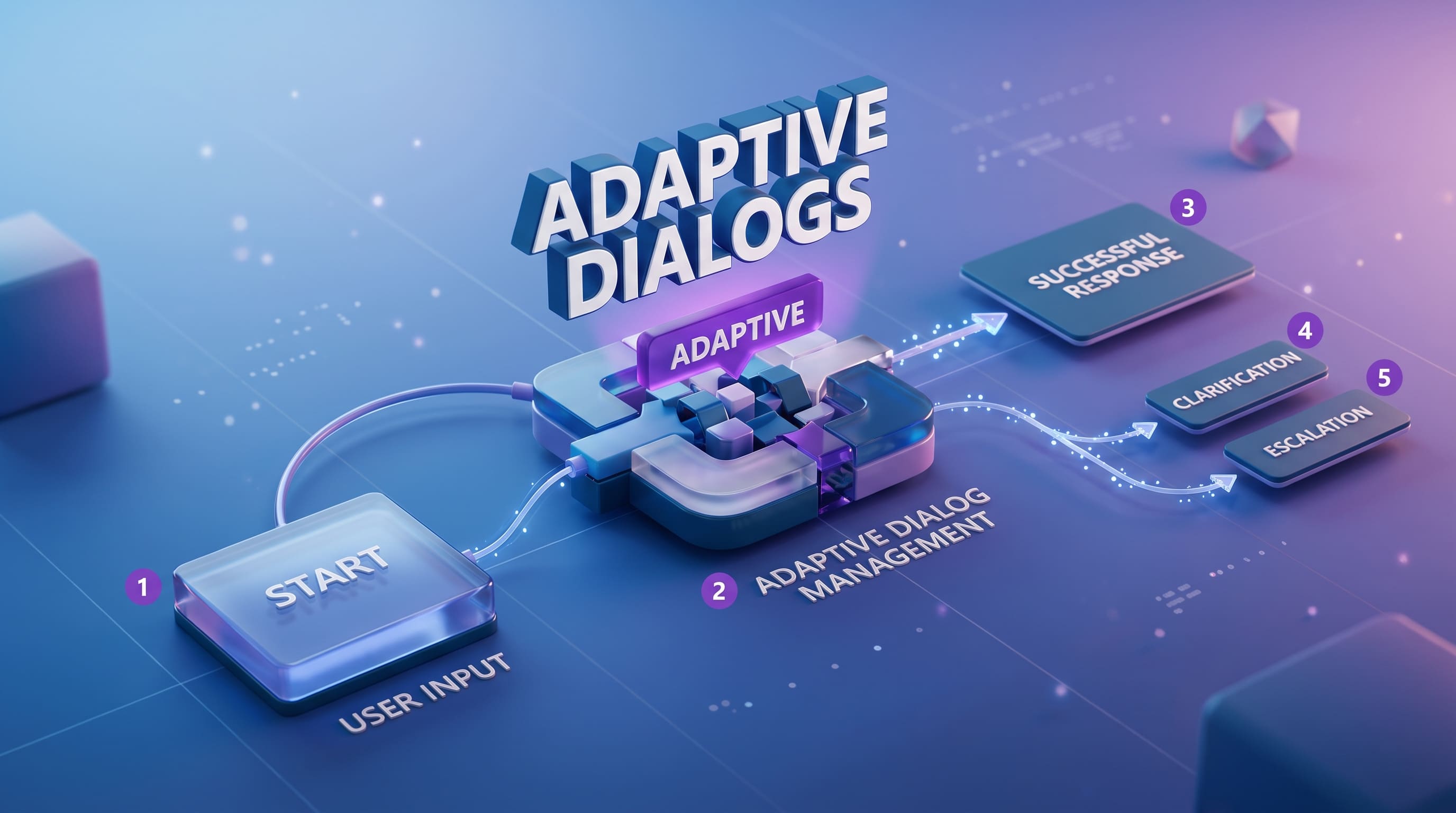
Let me say it plainly: adaptive dialog management in Copilot Studio means your topic graph has to handle context switching, partial entity capture, and graceful handoff between topics. That is the whole game. Not the LLM picking pretty words at the end.
Where multi-turn conversational agents actually break
The hard part is not the happy path. It's when user says something half-related to current topic and your agent has to decide, do I interrupt the current flow, do I push it on stack, do I redirect, or do I just confirm and continue? Copilot Studio gives you the building blocks for this, topic triggers, the "Question" node with slot filling, variables scoped to topic vs global, and the generative answers node as a fallback when nothing matches. But the orchestration logic? That's on you.

One thing I learned the hard way at OZ, do NOT over-rely on the generative answers node for everything. People see GPT-4 style answers and they think, fine, let model handle it. But generative answers does not maintain procedural state. If you're collecting 4 pieces of info from a user to book a meeting room, generative answers will not track which 2 you already got. You need explicit Question nodes with entity binding and you need to mark those slots as required. Boring? Yes. Reliable? Also yes.
The other piece nobody talks about — node-level conditions. You can branch on captured variable values, on user authentication, on whether a tool call succeeded. Real adaptive dialog comes from layering these. Not from prompting magic.

Topics vs generative answers : what to use when
Quick comparison, because I get asked this every week.
Topics are deterministic. You author them, you control the flow, you can call tools, agent flows, or HTTP request nodes inside them. Use topics for anything transactional: booking, ticketing, lookups, anything where you must collect specific fields. Generative answers are great for knowledge-heavy questions where users ask in 50 different ways and you don't want to write trigger phrases for all of them. Pair them. The trigger sends user into a topic, the topic collects required slots, and generative answers handles the off-script "wait, what does this field mean?" questions inside the same flow.

Honestly, the magic is in mixing both. Pure-topic agents feel robotic. Pure-generative agents forget what you asked them 3 messages ago.
How do I actually know my agent works?
This is where most teams stop and ship. Don't. Copilot Studio has a multi-turn evaluation feature now, you build test sets, each set holds up to 20 test cases, and each case can have up to 12 messages, which is 6 question-answer pairs. That is the real shape of a conversation, not a single-shot Q&A.
You can generate test cases automatically, a "quick conversation set" produces 10 short conversations from your agent's description and capabilities. Or you can run a "full conversation set" using your agent's actual knowledge sources. I prefer full sets because they catch the retrieval gaps. Results stay in the platform for 89 days only, so export to CSV if you want to track regressions across sprints. Most teams I've seen forget this and lose 3 months of evaluation data.

Test methods worth turning on General quality for overall coherence, Keyword match for "did it mention the policy number", and the Custom method when you have weirdly specific pass criteria. The Capabilities match one is underrated — it tells you whether the agent actually called the tool you expected, not just whether it produced a nice-sounding answer.
A client last quarter, financial services, their agent was scoring 92% on general quality and they were ready to ship. We added capabilities match. Pass rate dropped to 58%. The agent was answering well but skipping the tool call to log the case in their CRM. Sounds great, does nothing. That's the trap.
If you build with topics, layer generative answers carefully, and run multi-turn evaluation before shipping your agent will not be perfect, but it will not embarrass you in front of users either. And that's mostly what matters.