So I keep getting asked how to build a Copilot Studio agent from scratch and honestly, the Microsoft docs make it sound way easier than it actually is. You sign in, type a description of what you want, and boom, agent created. That part is true. But that is also not the part where people get stuck.
Let me walk you through what actually happens.
You go to copilotstudio.microsoft.com, sign in, and there is a text box asking you to describe your agent. Up to 1,024 characters. I usually write something like "Help users find HR leave policy and answer common questions about benefits." The AI then provisions an agent, gives it a name, description, instructions, even suggests knowledge sources and channels. Looks magic. Feels magic. It is not magic, but okay.

Next thing you do, add knowledge. This is where I tell people to slow down. You can plug in a website URL, SharePoint, Dataverse, uploaded files. The temptation is to dump everything. Don't. I made this mistake on a client project two years back, threw in 14 different sources, and the agent started giving answers that were technically correct but completely useless because it was pulling from conflicting documents. Pick 2 or 3 sources. Test. Then add more.
Once knowledge is in, test it. There is a chat panel on the right side of the screen. Ask it a question. Then change the instructions, try something weird like "talk to users like Jane Austen", and ask the same question again. You will see how much instructions matter. People underestimate this, they spend hours tweaking topics when 80% of the behavior comes from one well-written instruction block.
Where this actually breaks
Topics. Topics are where everything falls apart.
A topic is basically a conversation flow triggered by phrases the user might type. Sounds simple right? It is not. I read this article by a guy who built an HR agent and ended up with 34 topics just for leave policy variations. Thirty-four. Because every time a user phrased something slightly different, "can I take time off" vs "vacation request" vs "PTO balance", he created a new topic. After three weeks of building, he spent two more weeks just untangling overlapping triggers.

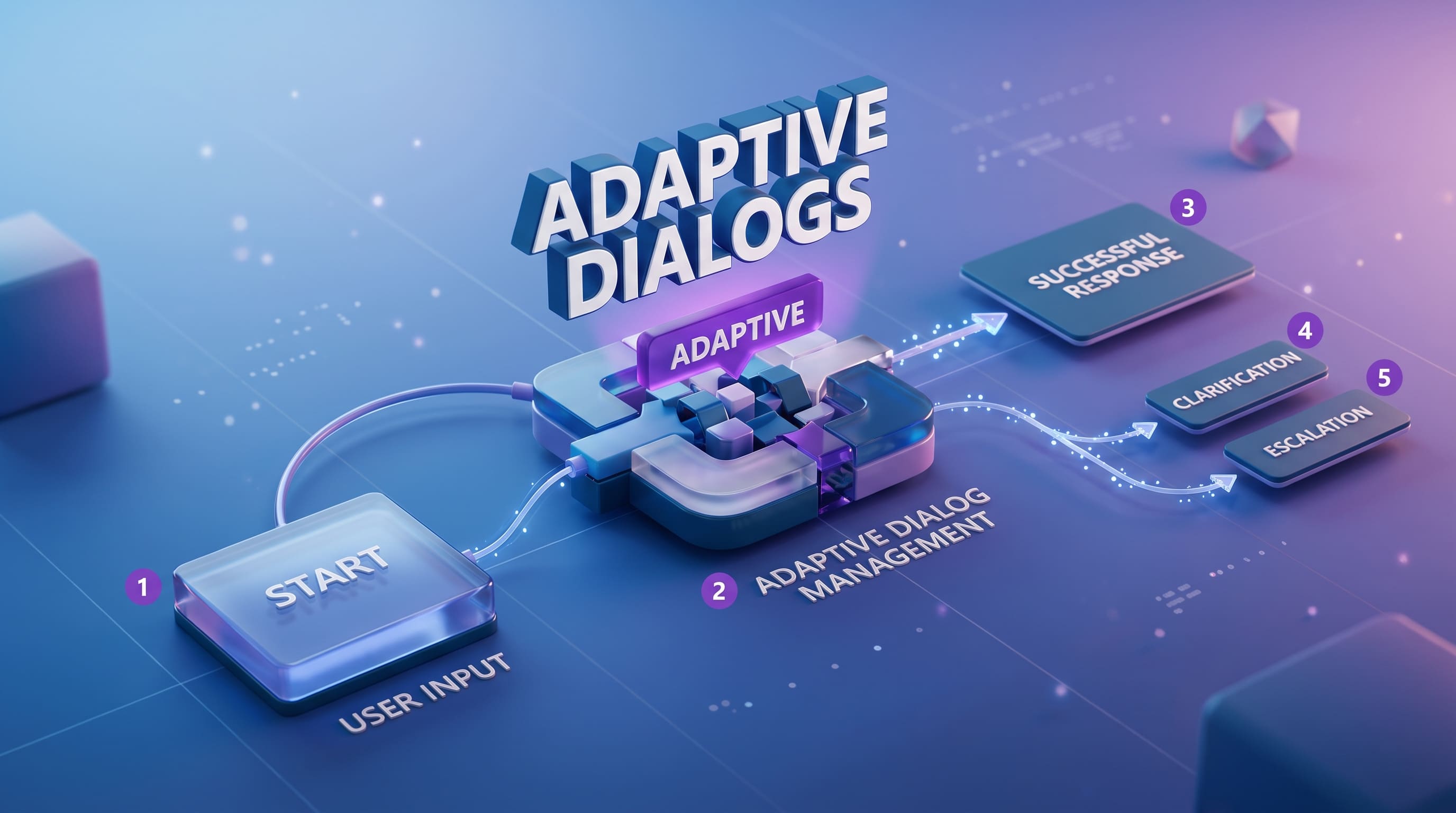
Here is what I do now. Start with 5-7 broad topics. Don't make a topic for every possible phrasing. Use the generative answers feature for the long tail, let the LLM handle the variations, and reserve topics only for flows that need specific actions, like "submit a ticket" or "check order status." If a topic is just answering a question from your knowledge base, you probably don't need a topic at all.
Also, trigger phrases. Microsoft says add 5 to 10 per topic. I say add 15, in different lengths and tones. Mix formal with casual. "What is my remaining leave" and "how many days off do I have left" are not the same thing to the trigger model, even though obviously to humans they are.
The cost nobody warns you about
The trial license lets you build and test. It does NOT let you publish. This trips up like 60% of people I have onboarded. You cannot share the demo website link to your boss on trial. You need a paid license, currently around $200 per tenant per month for the standalone Copilot Studio plan, plus message-based consumption on top of that.
Messages get consumed for generative answers, generative actions, and AI Builder calls. One conversation can easily eat 5-10 messages depending on complexity. We had a client where finance team thought we would burn 25,000 messages a month. We hit 80,000 in week two. Same story as my old GPT-4 contract project, always multiply your estimate by 3x, at least.

Publishing is one click. Hit Publish, then go to demo website from the three-dot menu. The demo site is fine for internal sharing but for real deployment you want Teams, custom website channel, or M365 Copilot. Teams integration is honestly the smoothest path if your org is already on Microsoft 365, auth is handled, users don't need separate login, suggested prompts show up on the agent's welcome card.
One more thing. The icon upload requires PNG, less than 72 KB, max 192 x 192. Sounds trivial but I have seen people waste 30 minutes resizing logos. Just keep a folder of pre-sized icons ready before you start.
Build something small first. An FAQ bot for one department. Get it published, get it used by 10 real people, watch what they actually type. That feedback loop teaches you more than any documentation will.