Honestly I didn't think Microsoft would ship something like this so quietly. Foundry Local basically lets you run AI models on your own machine with zero cloud dependency. No Azure subscription, no API keys, no surprise billing at end of the month. You install it, you pick a model, you run it. That's it.
I have been playing with it for few weeks now and I want to tell you what the getting started experience actually looks like. Not the marketing version. The real version.
Setting it up is almost too easy
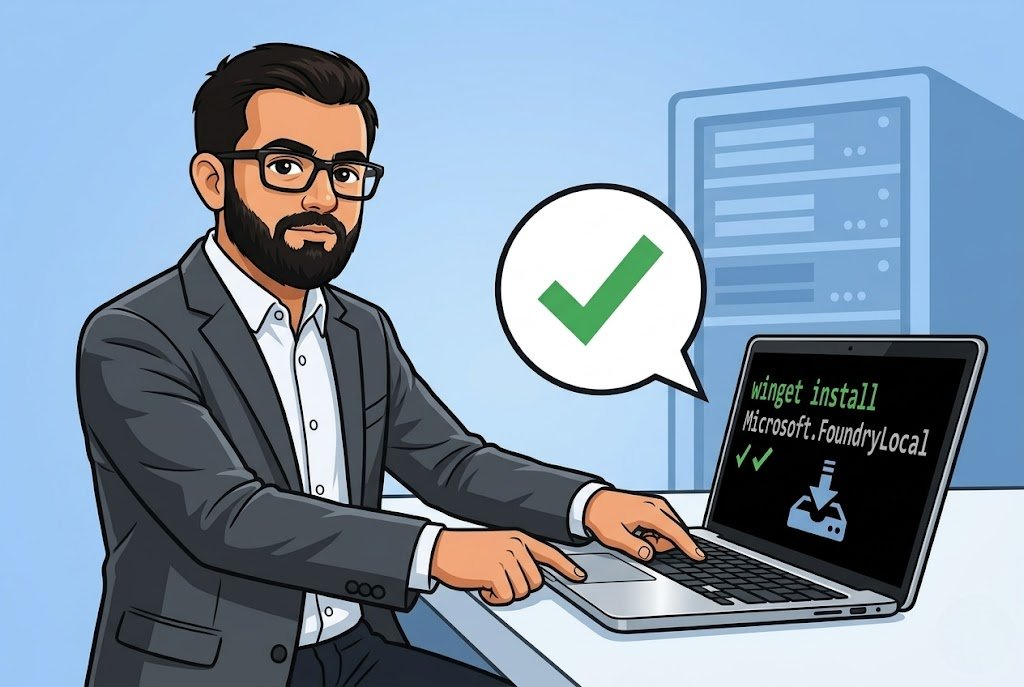
On Windows you literally run winget install Microsoft.FoundryLocal and you're done. Mac people get Homebrew support brew tap microsoft/foundrylocal then brew install foundrylocal. I mean, Microsoft making a dev tool that installs in one command? I was suspicious. But it worked first try on my machine, which honestly never happens with preview software.
After install, you run foundry --version to make sure it's there. Then the fun part: foundry model run qwen2.5-0.5b
This downloads the model and starts an interactive chat right in your terminal. First download takes few minutes depending on your internet, but after that the model is cached locally. You can run it offline. On a plane, in a basement, wherever. No internet needed after first download.
The CLI is organized into three main areas model commands, service commands, and cache commands. foundry model list shows you what's available. foundry cache --help for managing downloaded models on disk. Simple stuff. Nothing confusing.
Where this gets interesting
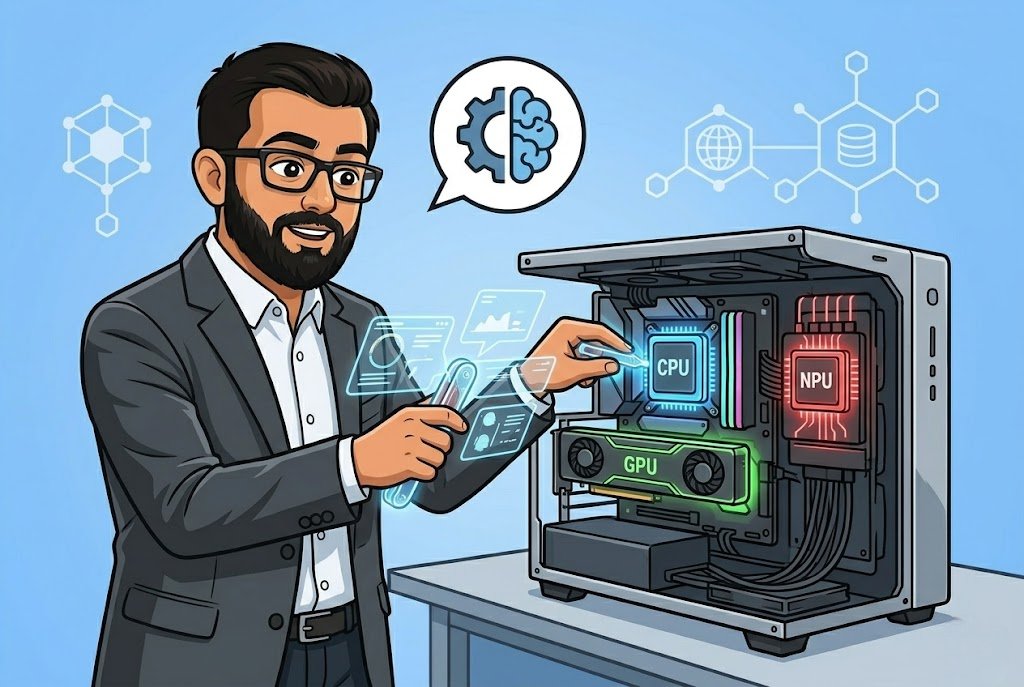
So Foundry Local is smart about hardware. If you have NVIDIA GPU, it downloads the CUDA version. Qualcomm NPU? Gets the NPU variant. No GPU at all? Falls back to CPU. You don't configure any of this it just detects and picks the right one. I tested on a machine with RTX 3060 and on my old laptop with integrated graphics. Both worked. Obviously the GPU machine was faster but the point is it adapts.
The hardware requirements are reasonable. Minimum 8 GB RAM and 3 GB disk space will get you running, but realistically you want 16 GB RAM and 15 GB free disk. I tried running the gpt-oss-20b model that one needs an NVIDIA GPU with 16 GB VRAM or more for the CUDA variant. If your hardware can't handle it, just run smaller models like the Qwen 2.5 0.5B. Start small, learn the workflow, upgrade hardware later.
One thing that actually impressed me there are starter projects on GitHub. A chat application built with Electron, a Python summarization tool, a function calling example with Phi-4 mini. These aren't just hello world demos. The chat app has multiple model support. The function calling sample shows you how to actually build something useful. We used the summarization sample at OZ as a starting point for a client POC where they needed document processing but absolutely refused to send data to any cloud. Took us maybe two days to get a working prototype. Try doing that with OpenAI API when the client says "no cloud, no exceptions."
The stuff nobody mentions
It's still in preview. Let me say that again — preview. Features can change, things can break. I ran into a service connection error on my second day where foundry model list just refused to work. The fix was foundry service restart which resolved some port binding issue. Not a big deal once you know it, but if you're a beginner and you hit this with no context you'll think the whole thing is broken.
The model catalog is limited compared to what you get on Azure. You're not going to run GPT-4o locally, right? These are smaller open-source models: Qwen, Phi-4, GPT-OSS. For a lot of use cases that's perfectly fine. For others, it won't be enough. Know what you need before you commit time to this.
Supported OS is Windows 10/11 x64, ARM for Windows 11, Windows Server 2025, and macOS. No Linux support listed which is strange for a developer tool in 2026. Maybe it's coming, maybe not. If your dev team runs Ubuntu, this isn't for you yet.
The real value here is for people building apps that need to run air-gapped, or for developers who want to prototype AI features without setting up cloud infrastructure. I am not saying it replaces cloud AI, it doesn't. But for local development, testing, demos, and privacy-sensitive workloads? It fills a gap that nobody else was really filling properly. The winget install, the automatic hardware detection, the OpenAI-compatible API endpoint it exposes locally, these are smart decisions that lower the barrier enough that even someone with no AI experience can get a model running in under ten minutes.
Multiply your expected disk usage by 3x though, especially if you start downloading multiple models.